News
Zooming in on Zooming
Zooming in on your animation has been a heavily-requested Kineo feature for a long time. Why did it take this long to arrive?
Explanation
I get it. Zooming doesn’t seem like a feature that should be that complicated. Why hasn’t it existed yet? And why is it behind a paywall?
As it turns out, zooming isn’t that complicated. In fact; it’s been in Kineo since the 2020 relaunch—on smaller devices like the original iPhone SE or iPod touch (RIP), Kineo is zoomed out to show a full-sized animation on these small screens! Zooming is actually incredibly easy.
Zooming Isn’t “Zooming”
But just zooming isn’t the feature people want. What people want is what zooming enables—the ability to draw fine-grained details on their animations by focusing on an small area and being able to make small changes. Basic zooming doesn’t provide two things that make this possible: fidelity and precision.
Fidelity
A zoom in to an image takes that image and makes every part of it bigger. This means, however, that a zoom requires some way of “guessing” what goes in the new space that was created by making the image bigger. Basic zooming simply looks at the parts of the image that appear around that space and uses the average of those values to fill in the gaps. At small zoom scales, this isn’t too noticable, but when zooming way in, everything becomes a blurry mess:
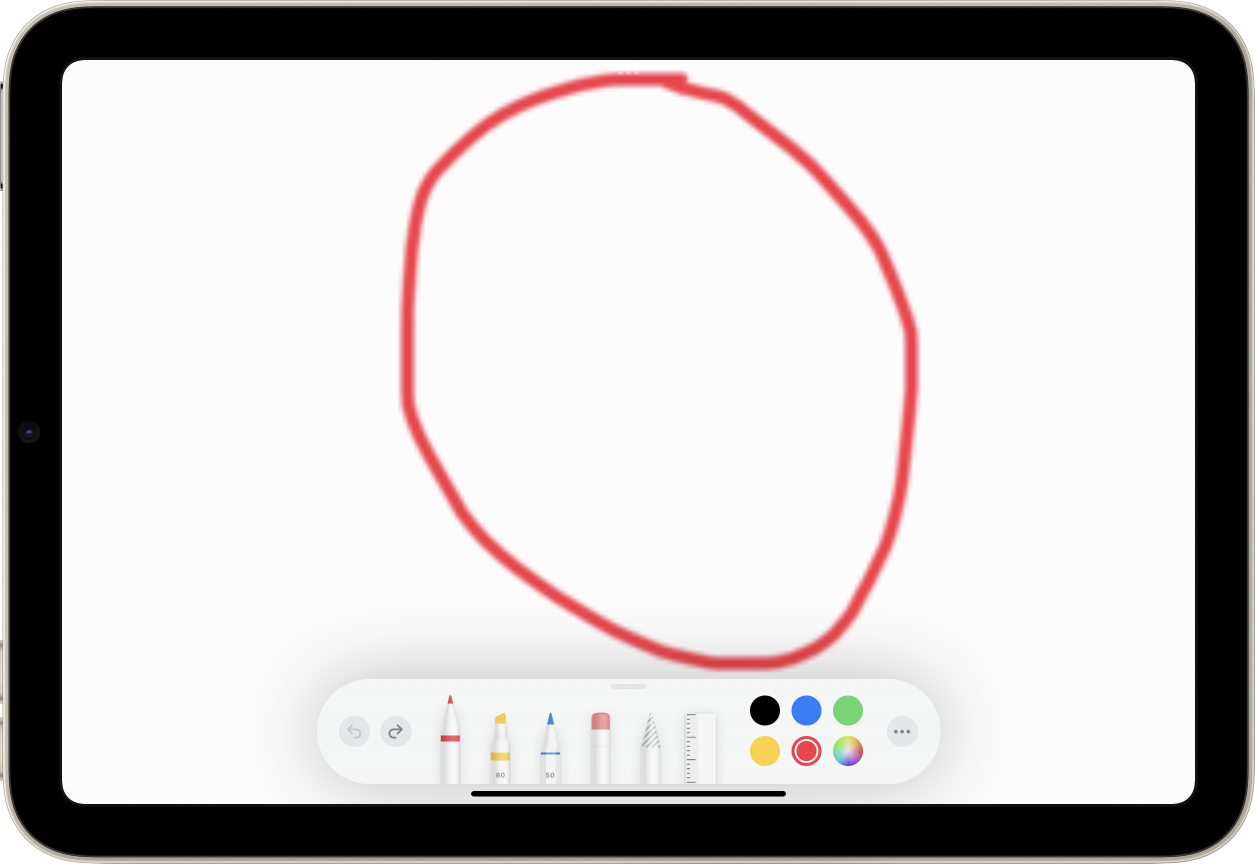
If you’ve ever zoomed in to a photo taken with an old digital camera, or seen graphics not optimized for Apple’s Retina devices, you’re familiar with this effect.
Kineo Pro’s zooming feature is much smarter about this. When zooming in, Kineo Pro completely redraws the part of the image you’ve zoomed into with larger versions of the tools you used to draw the original image, and then shows you the results of that redraw. What you get is a much easier to understand image:
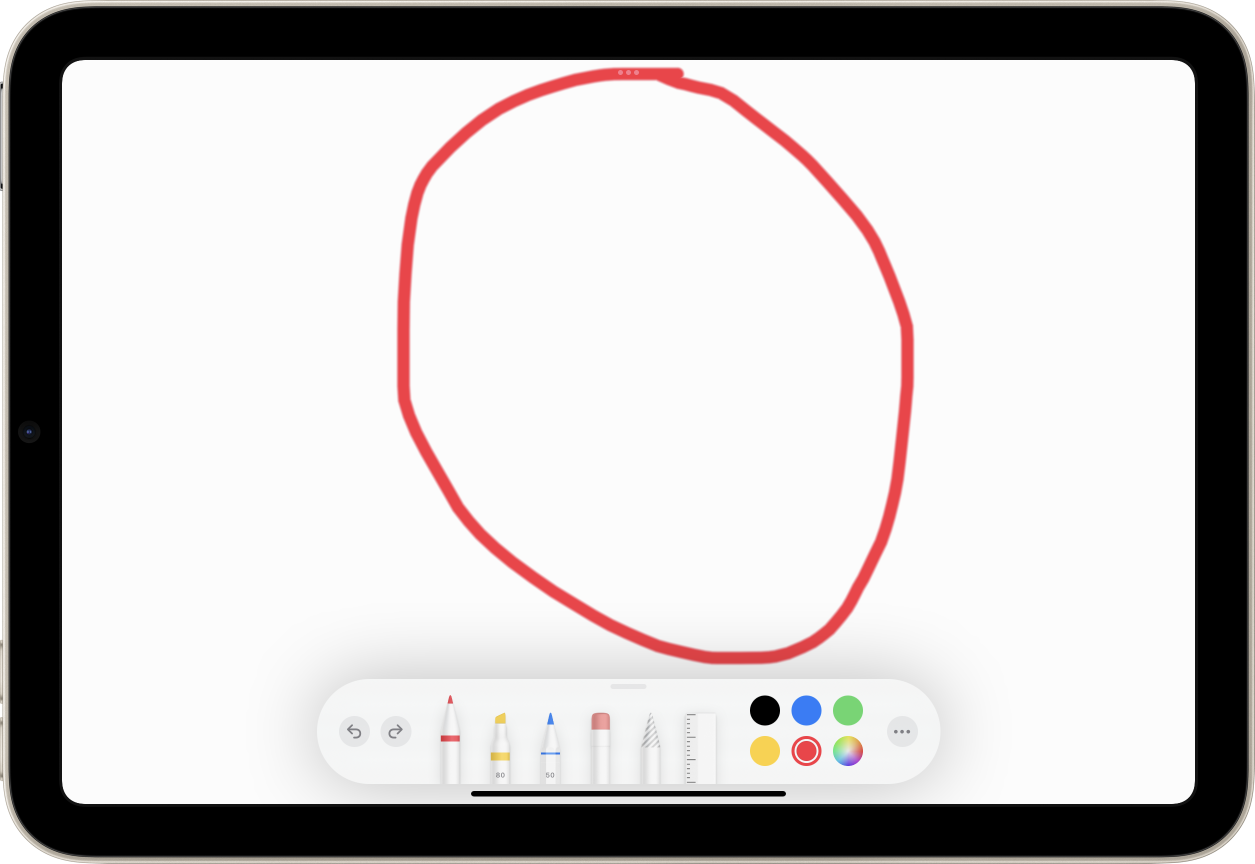
Having the higher fidelity makes it much easier to understand how your changes at high zoom scales will affect the overall image you’re working on.
Precision
One thing that artists want out of zooming is being able to make smaller changes to an image by applying them to a smaller area. Intuitively, this makes sense—if I draw with the same size pencil on a bigger version of the image, then when I zoom back out, my mark should be smaller, right?
But basic zooming works more like a real-world magnifying glass; simply viewing an image through a magnifying glass doesn’t cause the pencil you’re drawing with to do anything different. The image looks larger… but so does the pencil!
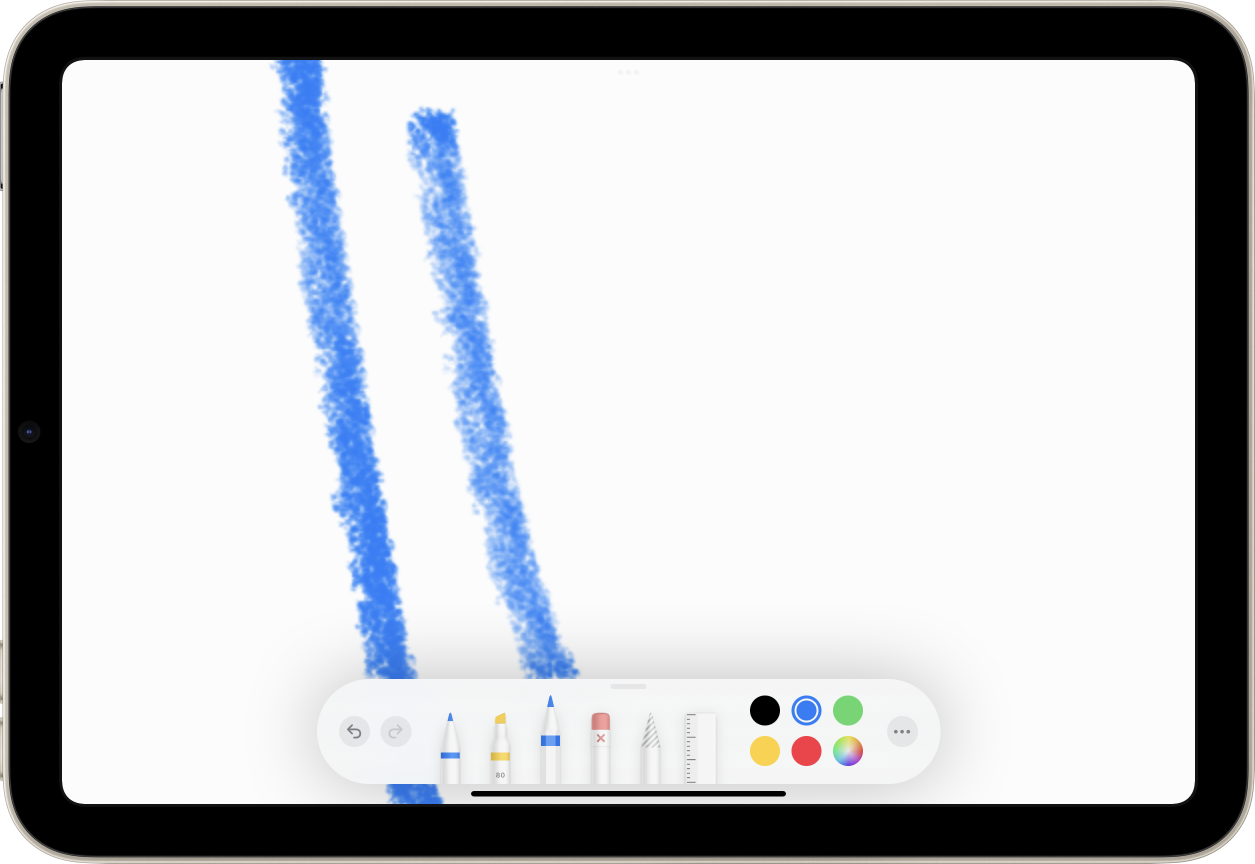
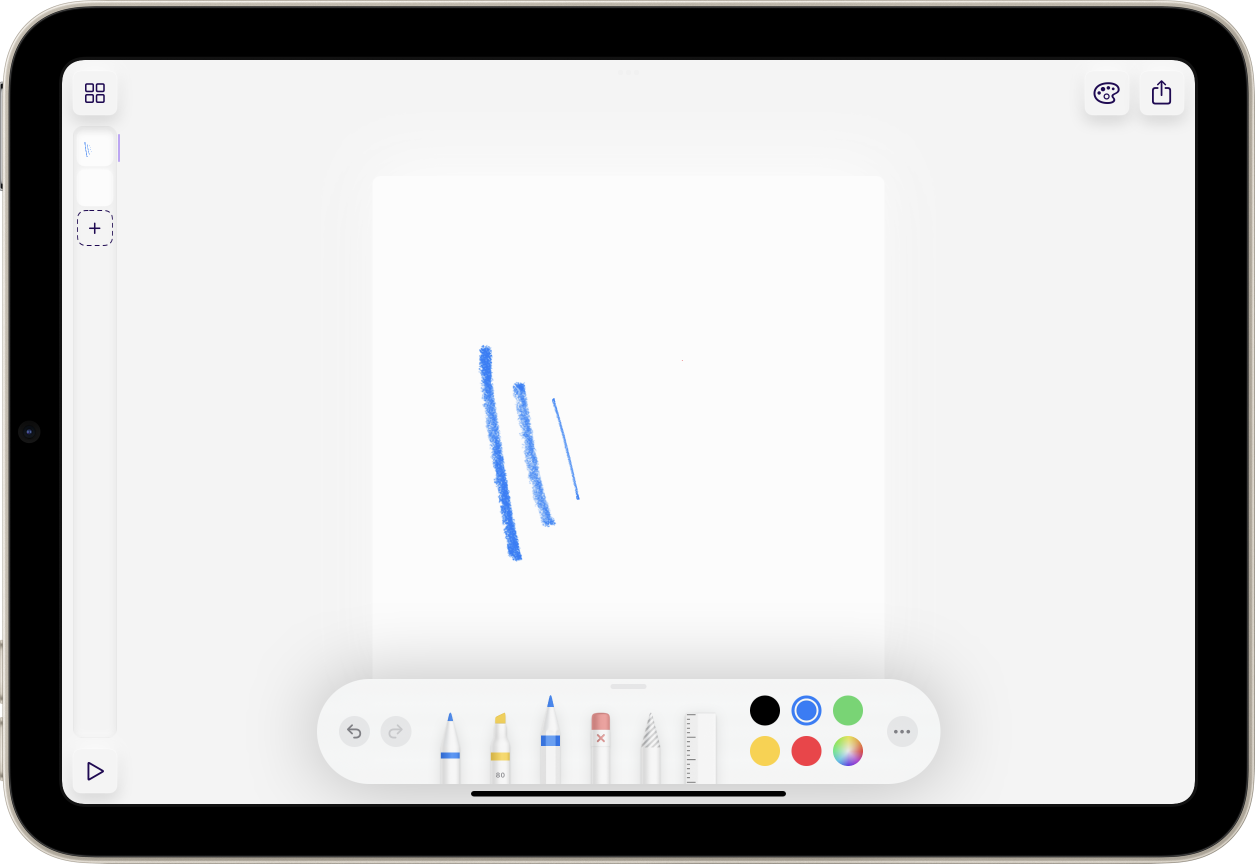
Kineo Pro gets around this by not simply zooming the display of the image you’re working on; it scales it up so that you’re effectively working on a much larger “canvas”. Your tools are the same size they’ve always been, but they’re now working on a much bigger image than they were before. As such, they now scale in inverse proportion to the part of the image you’re working on!
In Conclusion…
So, yeah, that’s why zooming has taken so long. I’m just one guy, and Kineo is a passion project, not my full-time job. Zooming is a complicated feature that took a lot of time to bring to Kineo. That time is why I’m charging for it. If I can bring in a few extra bucks from features like this, it makes it a lot easier to justify spending that time.